







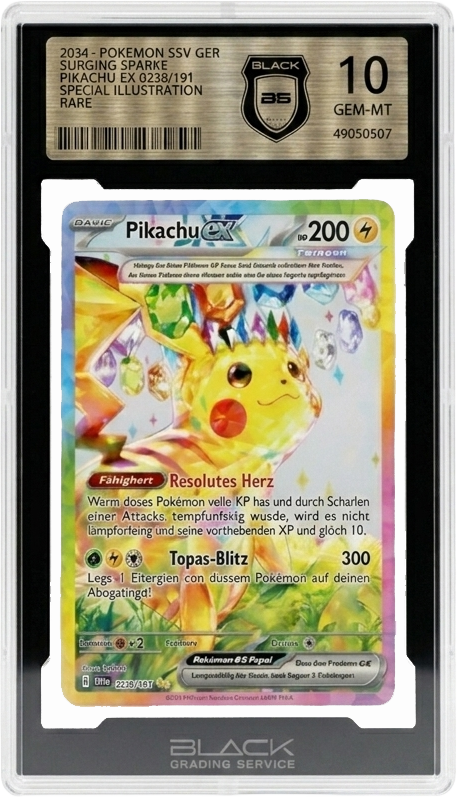



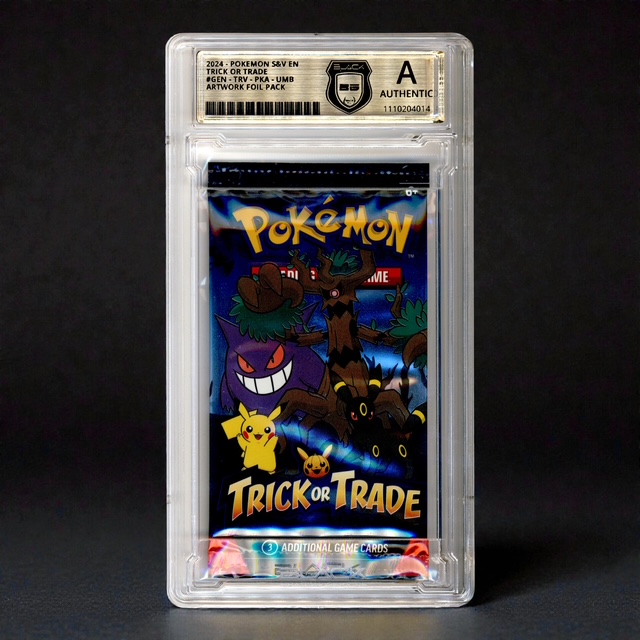
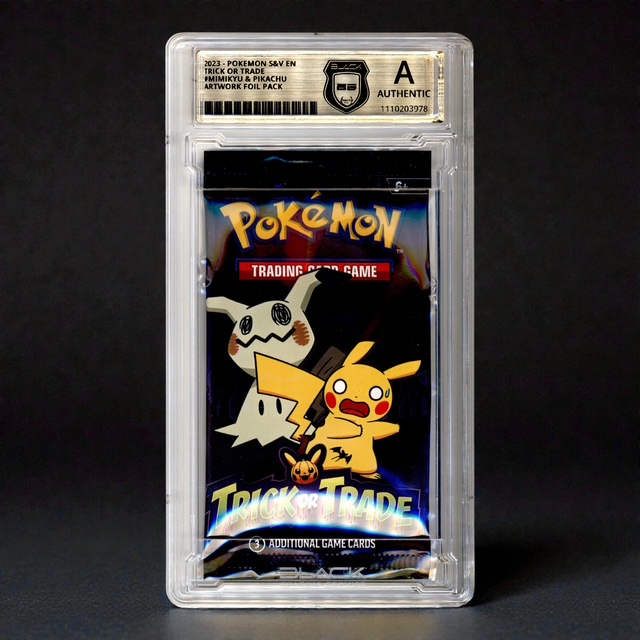




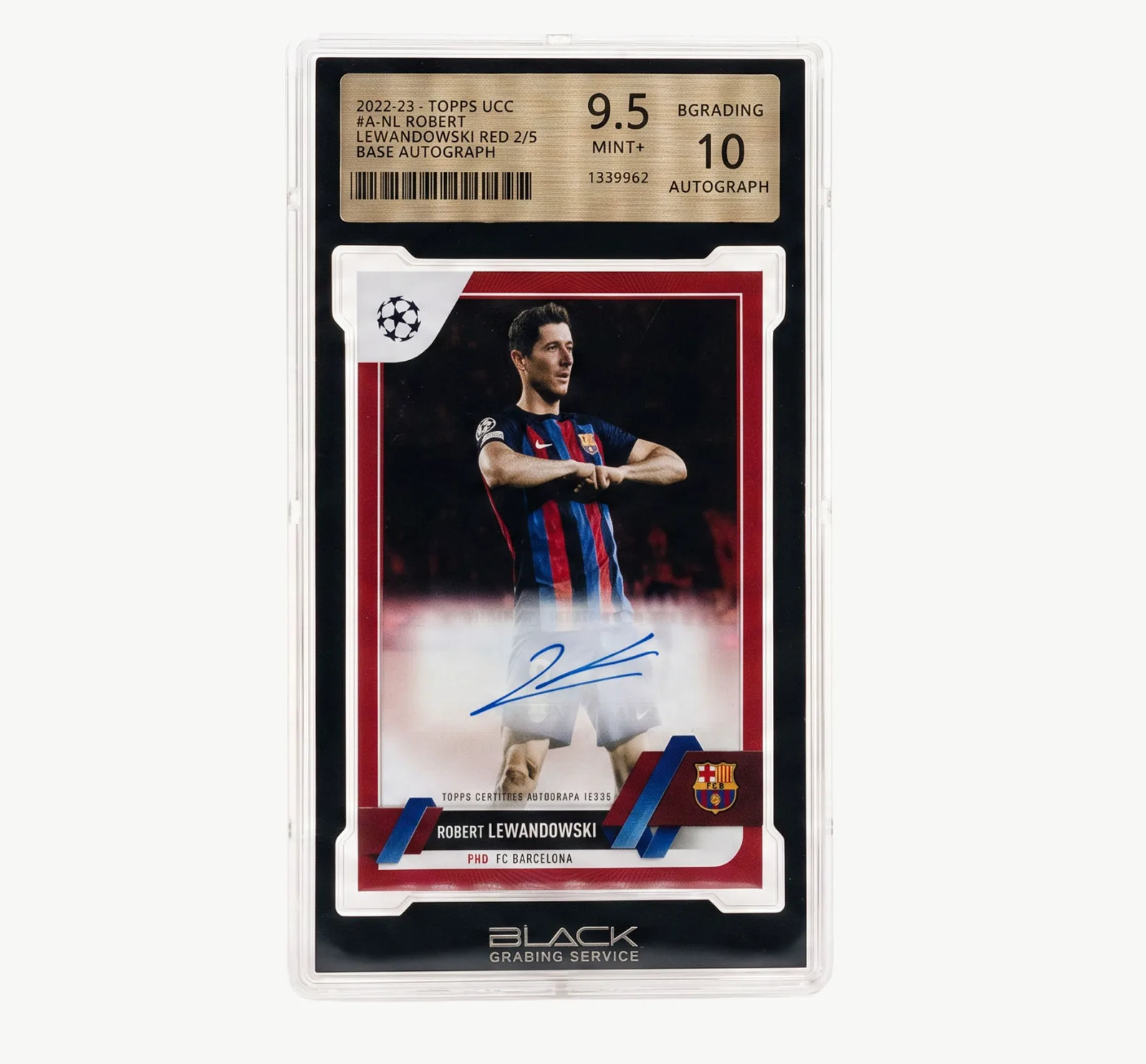
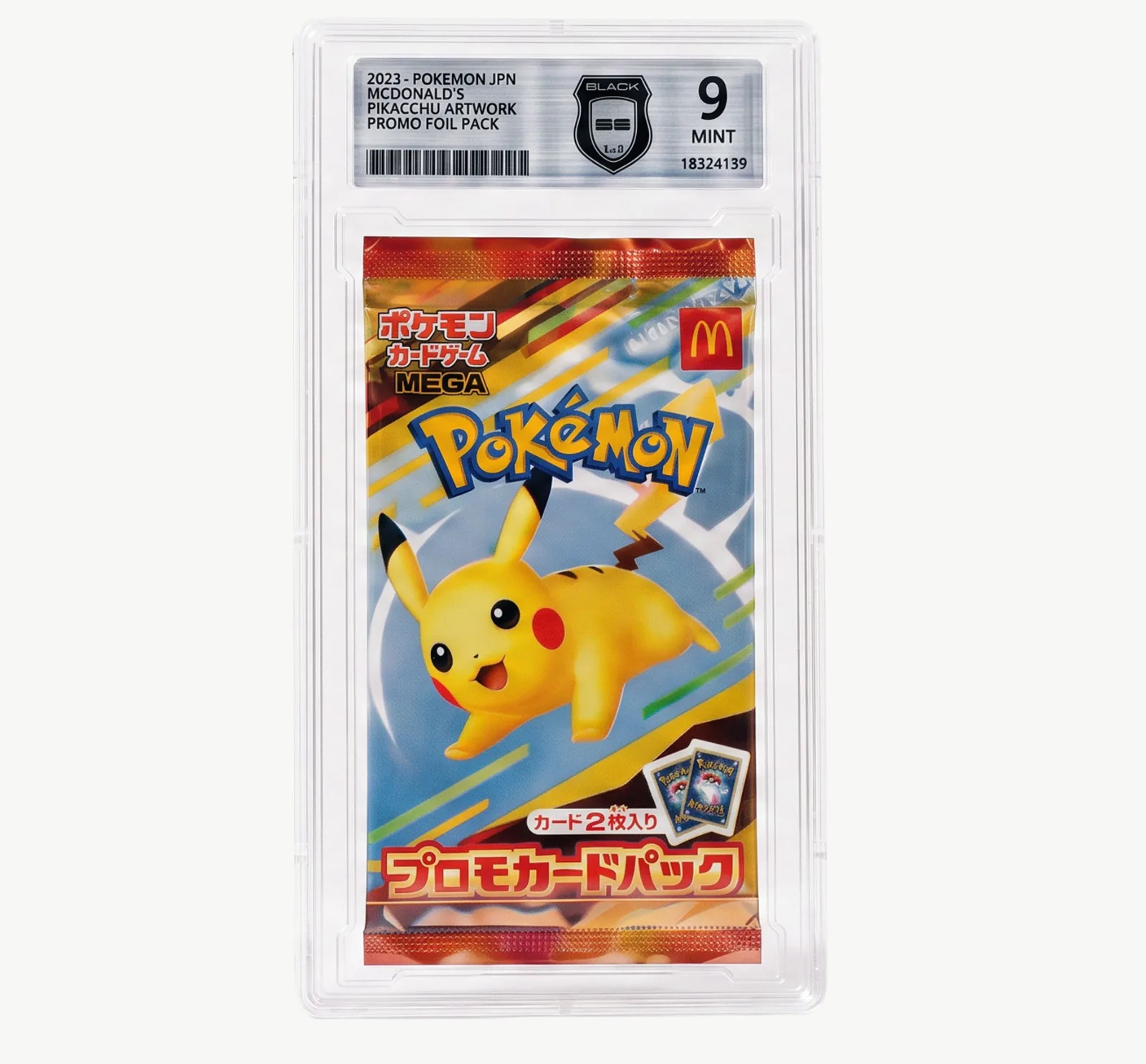
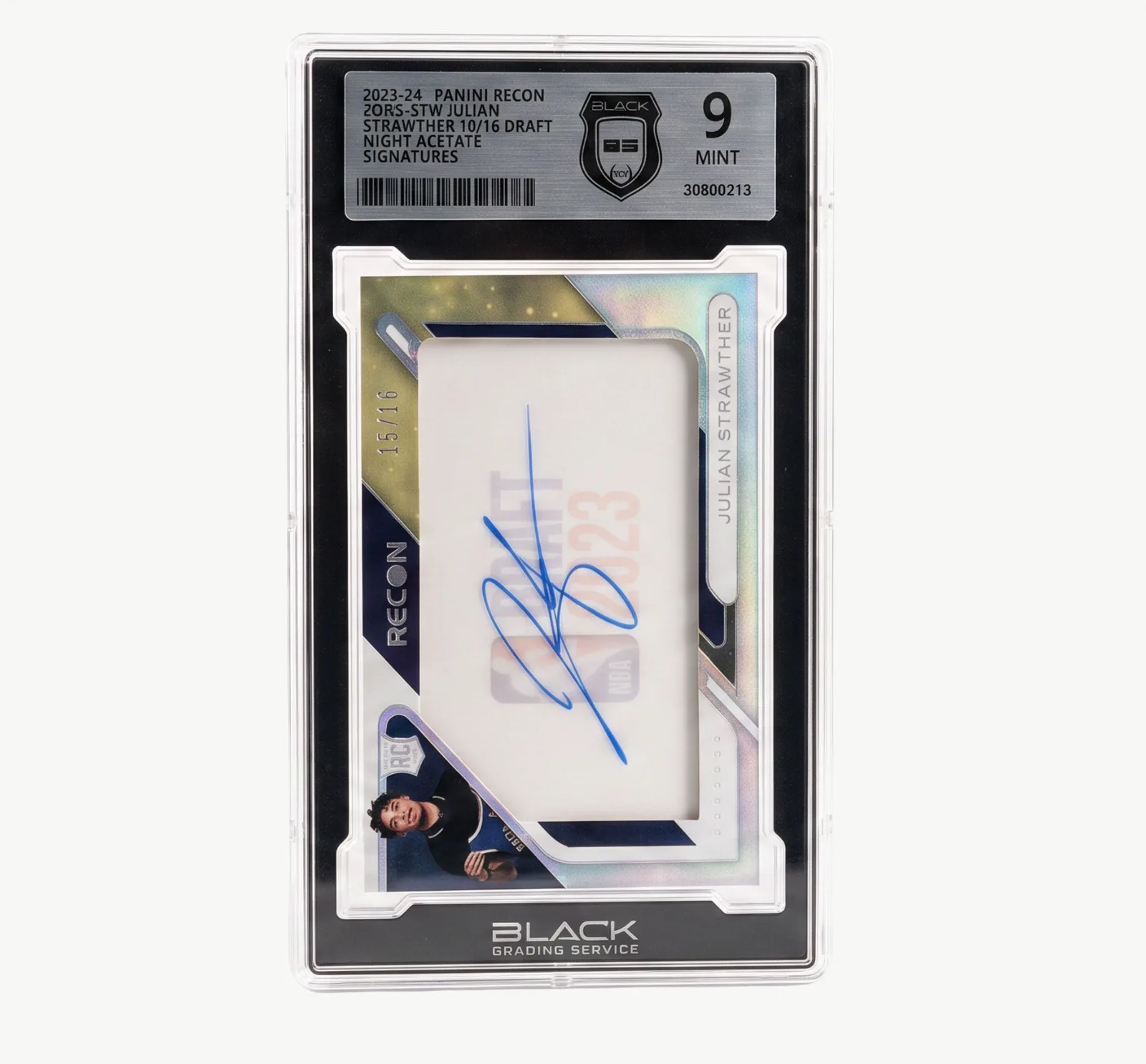
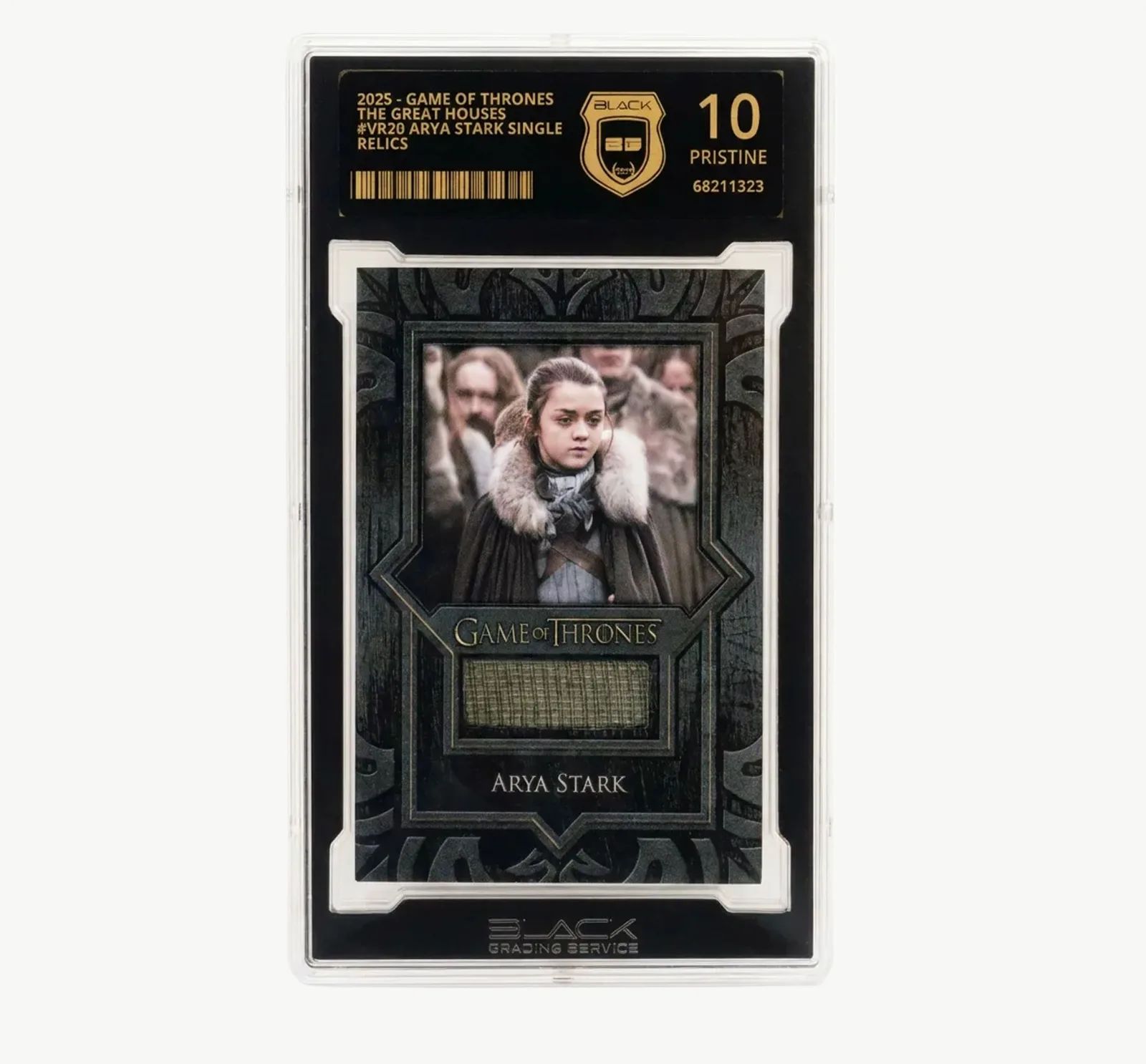





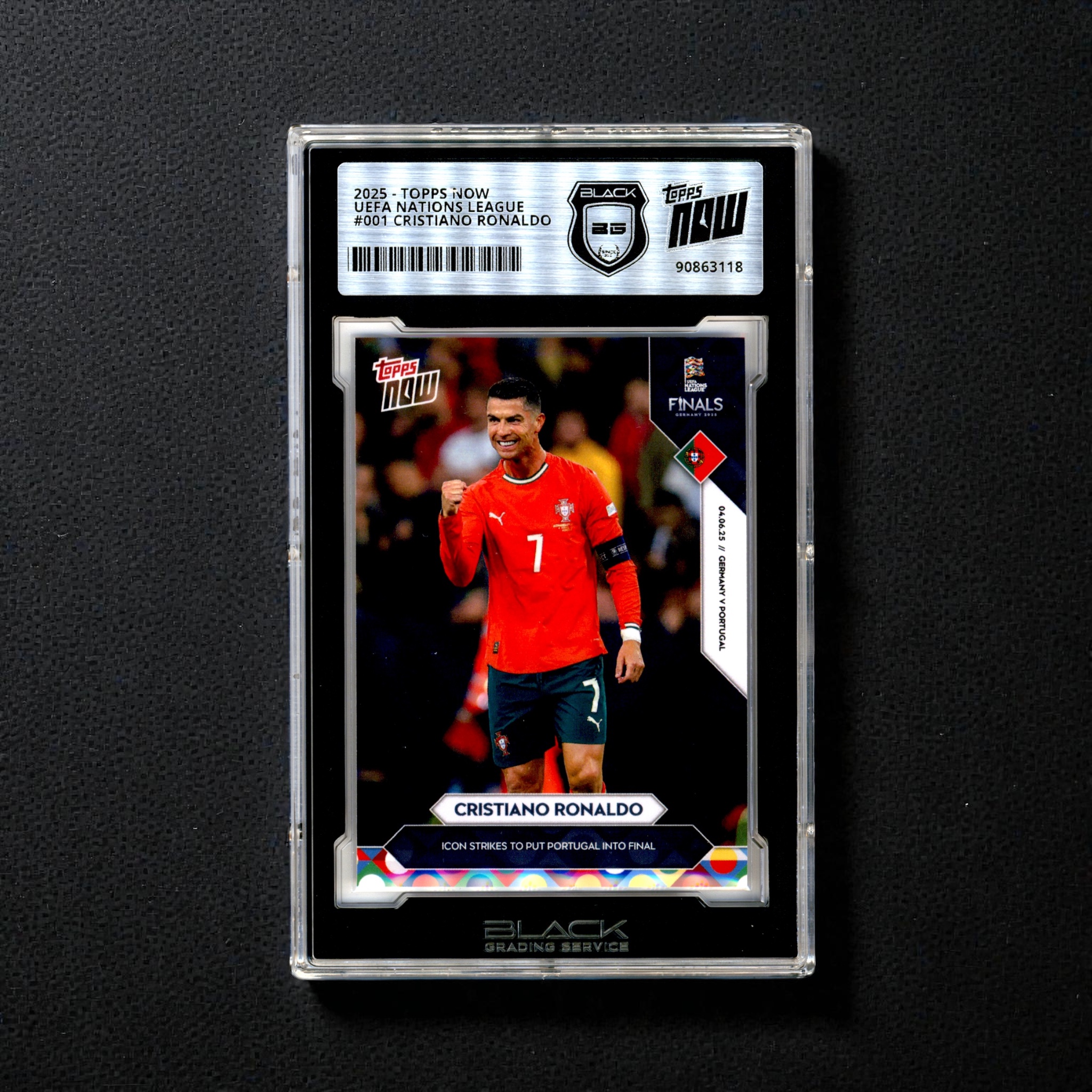


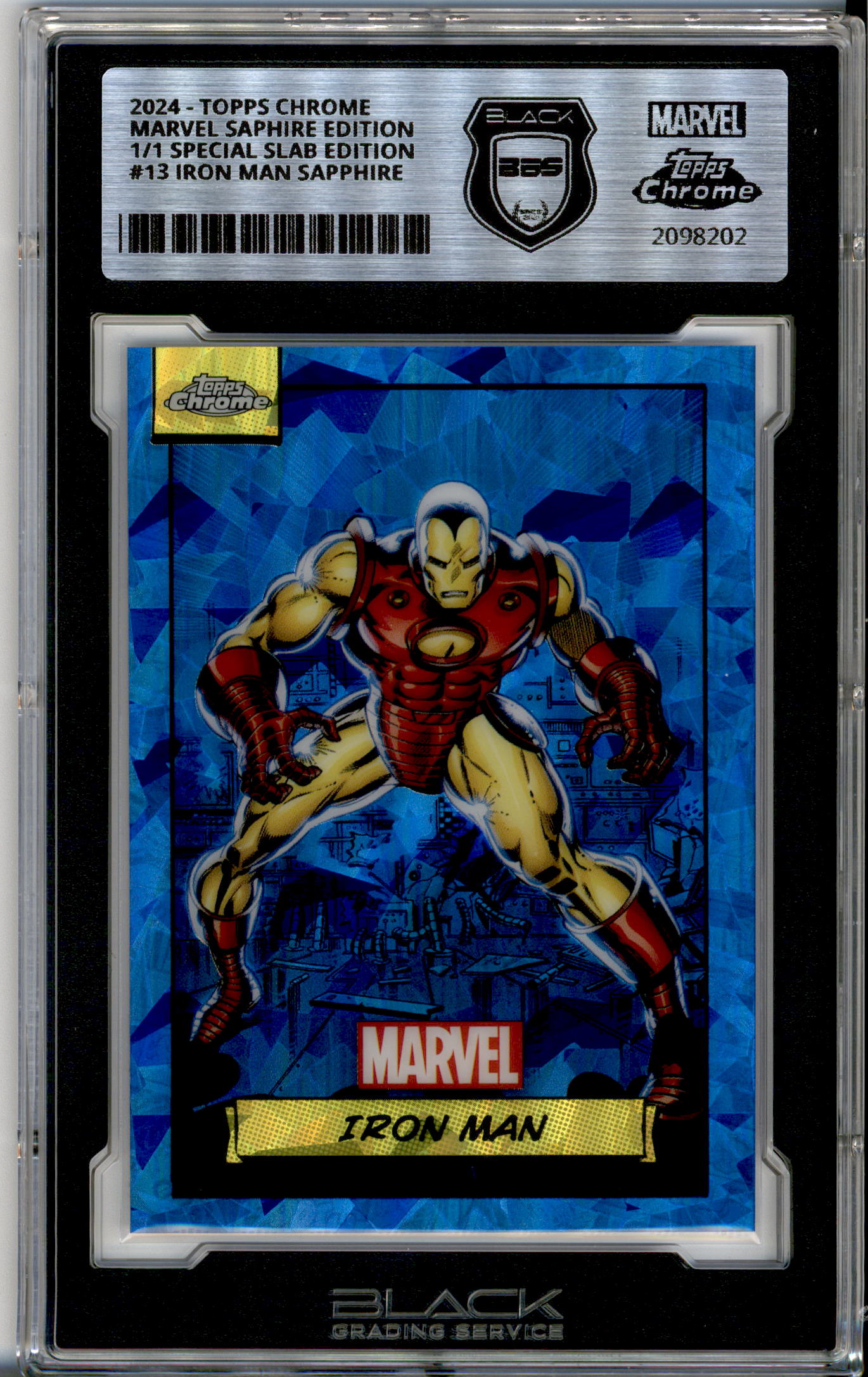


Use the Population Report, Price Chart and calculator
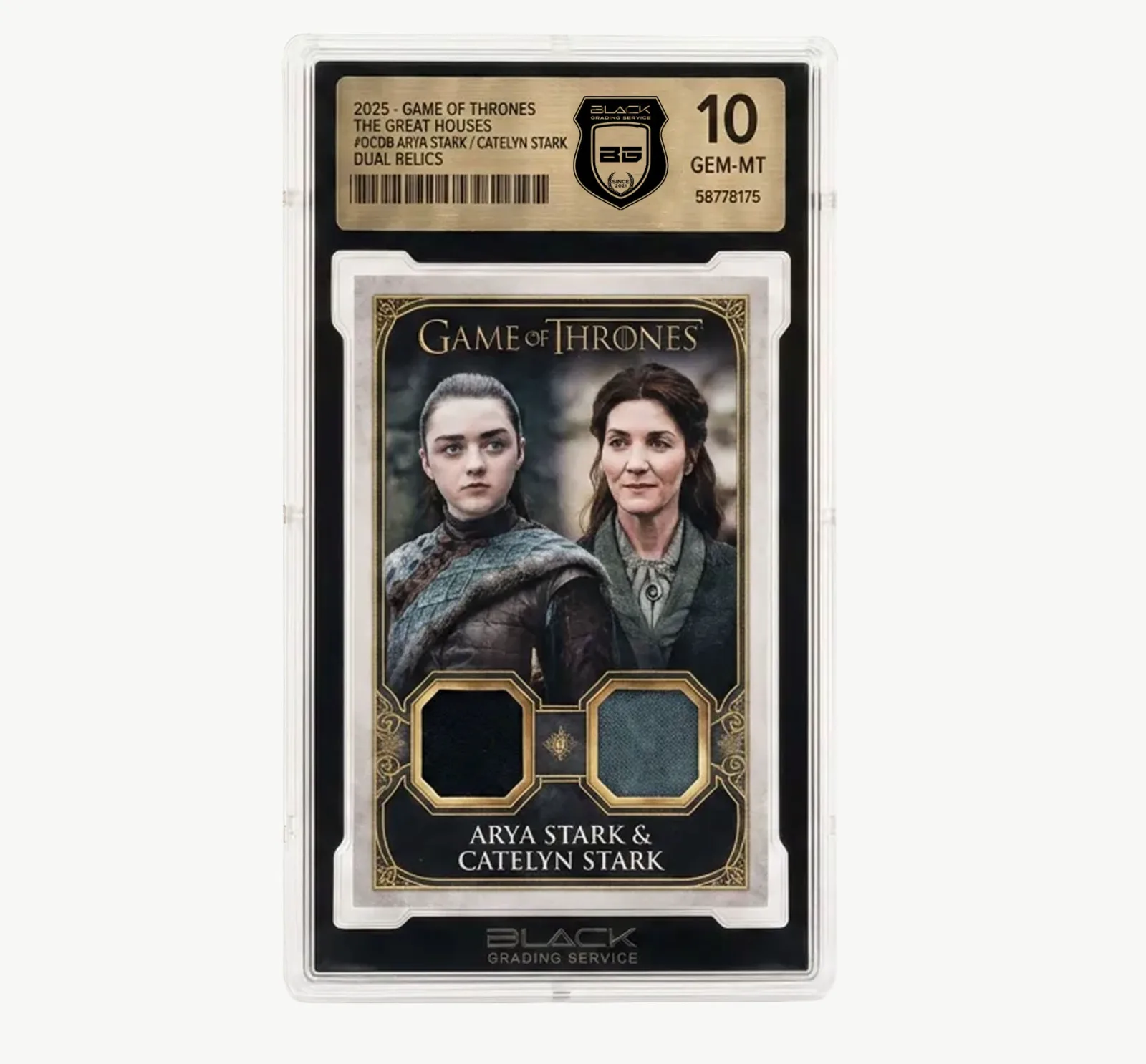
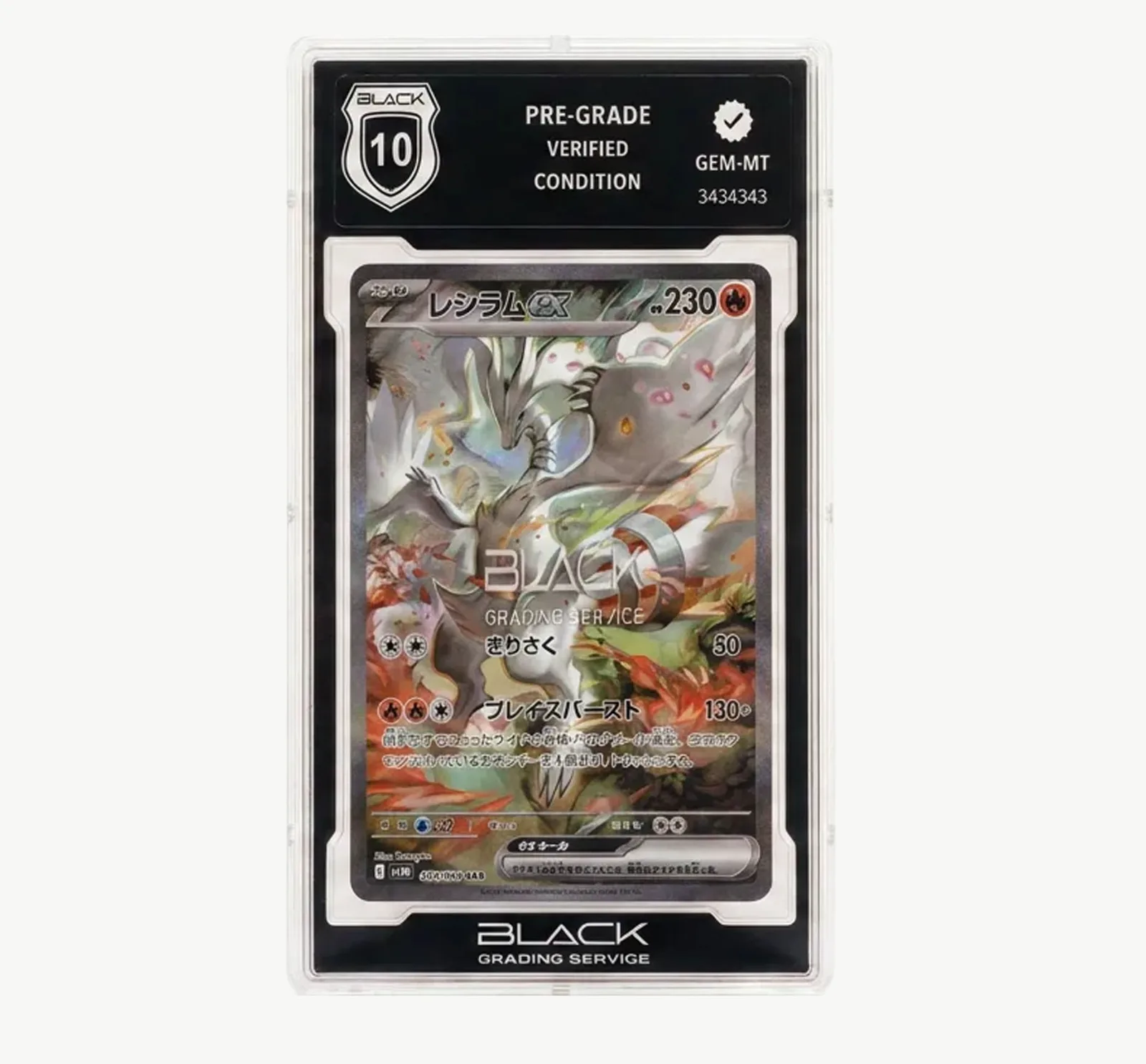
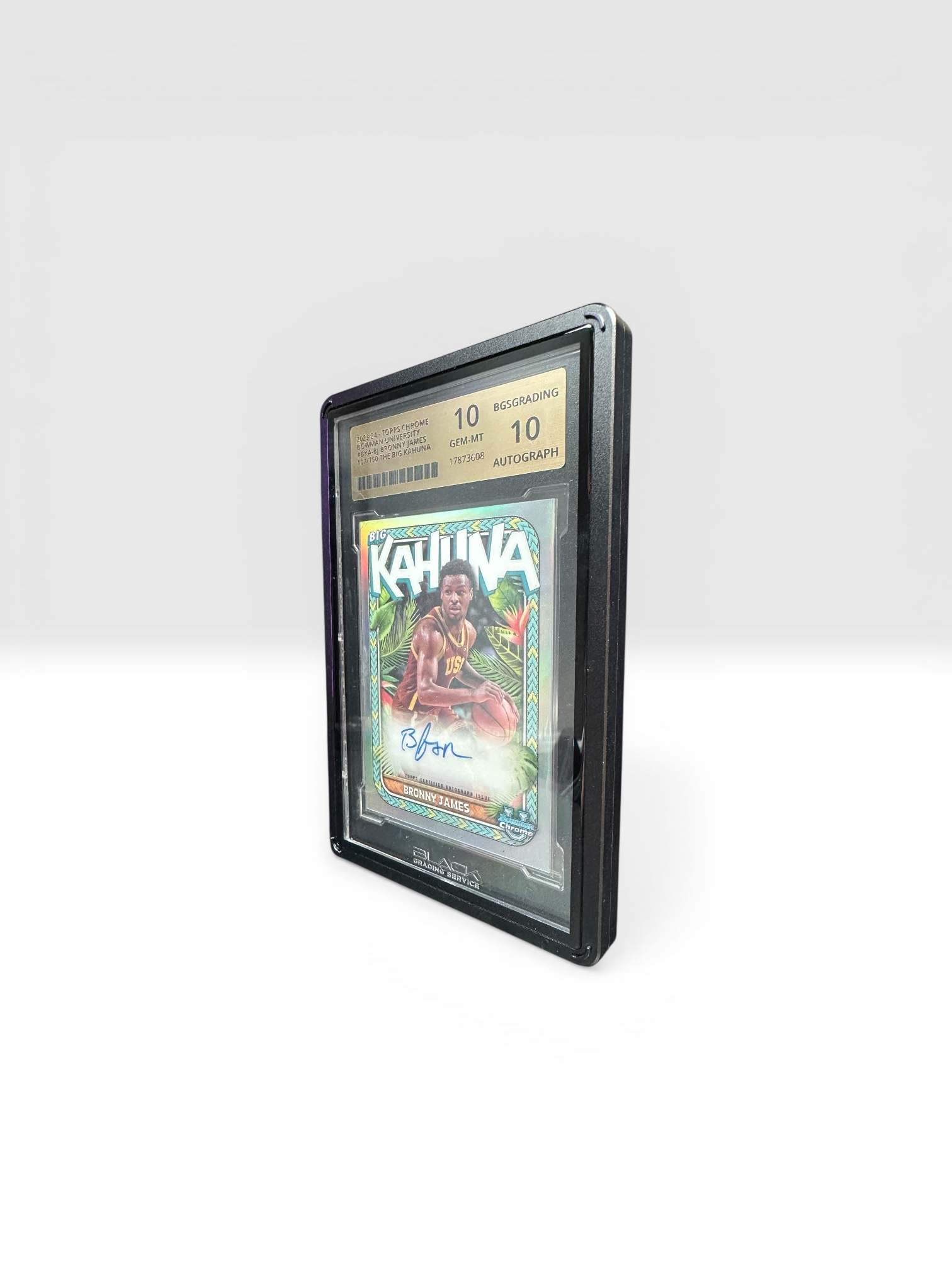
- Population Report: Filter by sport, set or player/character and compare recorded cards and grades.
- Price Chart: Search by player or character and view available set, number, rarity and market data.
- Grading calculator: Estimate using Centering ×1, Corners ×2, Edges ×2 and Surface ×3.
Market data and calculator results are guidance only and are neither a price guarantee nor professional grading.
Was this topic helpful?
Your feedback helps us improve the knowledge base. · 0 / 0